The retro edit
Retro games with kids: a parent's guide
Many parents come to us wanting to share the games they grew up with. It usually works better than they expect. Classic games are easy to pick up, they do not ask for accounts or payments, and they are one of the few things a seven-year-old and a forty-year-old can play on equal terms. Here is what to know before you start.
Why classic games suit children
Anyone can learn the controls
A direction and two buttons. Most classic games teach themselves in the first minute, with no tutorial and nothing to read.
No shop inside the game
Our consoles play games that were finished and sold complete decades ago. There are no in-game purchases, no advertising, no loot boxes and no online chat with strangers. The Game Stick Lite 4K and the handhelds do not need an account to play.
Games that end
Classic games are built from levels, lives and continues. There is a natural point to stop, which makes it easier to agree on one when you start.
Check the library first
This is the one thing we would ask every parent to do. The large libraries on our consoles include arcade games made for adults in the eighties and nineties, and some of those are violent. Before handing a console over, spend twenty minutes browsing it yourself.
Then use favourites. Add the games you are happy with to the favourites list and show your child how to open it. It turns a large library into a short, familiar menu that is easy for a young child to use.
On the X8 TV Game Stick, which also runs Android 12 for apps, you can stay in its games system and leave the Android side alone.
Play together
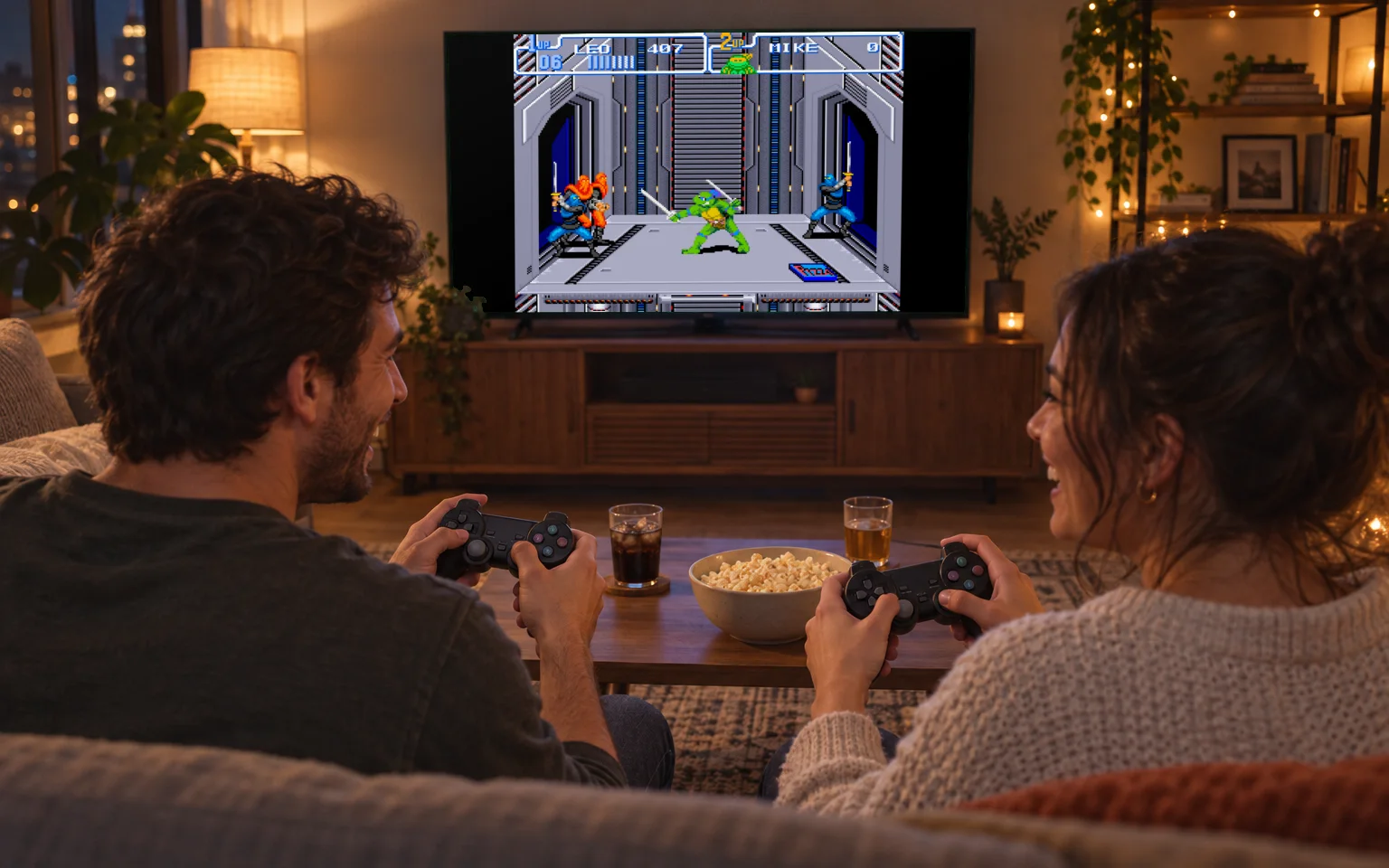
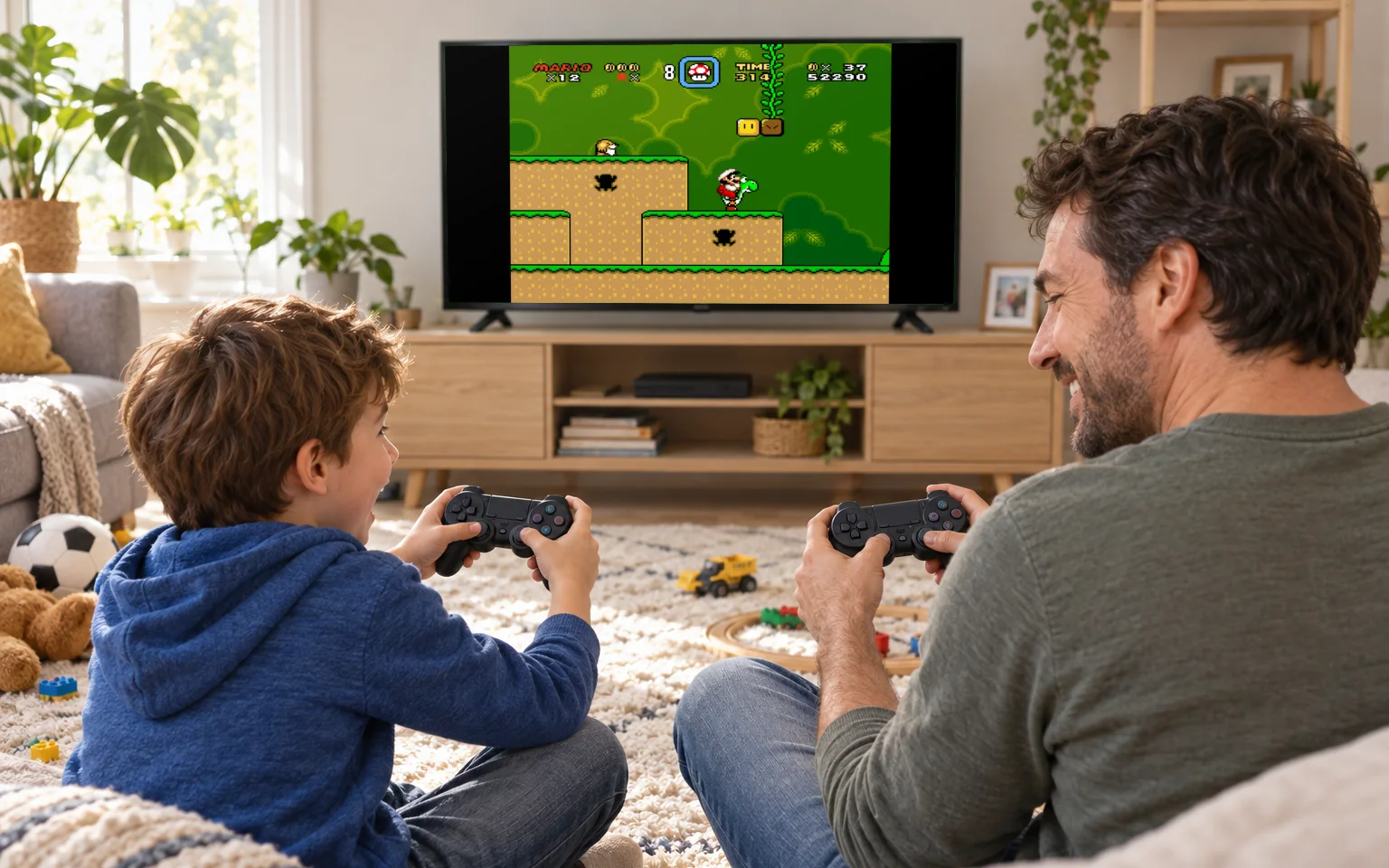
All of our TV consoles come with two wireless controllers, and that is the best way in. Pick a game where you play on the same side first, so an experienced parent helps rather than wins. Then try the games you loved at their age. Explaining why a particular level made you want to throw the controller in 1992 is half the fun, and children beat their parents at these games sooner than parents expect.
Making it easy to stop
Saves are the best tool a parent has here. Our consoles let you save a game partway through and resume it later, even an arcade game that never had a save of its own. When dinner is ready, the game waits exactly where it was, and "just let me finish this level" becomes a much shorter conversation.
Agreeing on a stopping point before the console comes out, one level or one tournament, helps more than any timer.
Which console for which age
- For younger children, a TV console you play together: the Game Stick Lite 4K is simple, inexpensive and has two controllers.
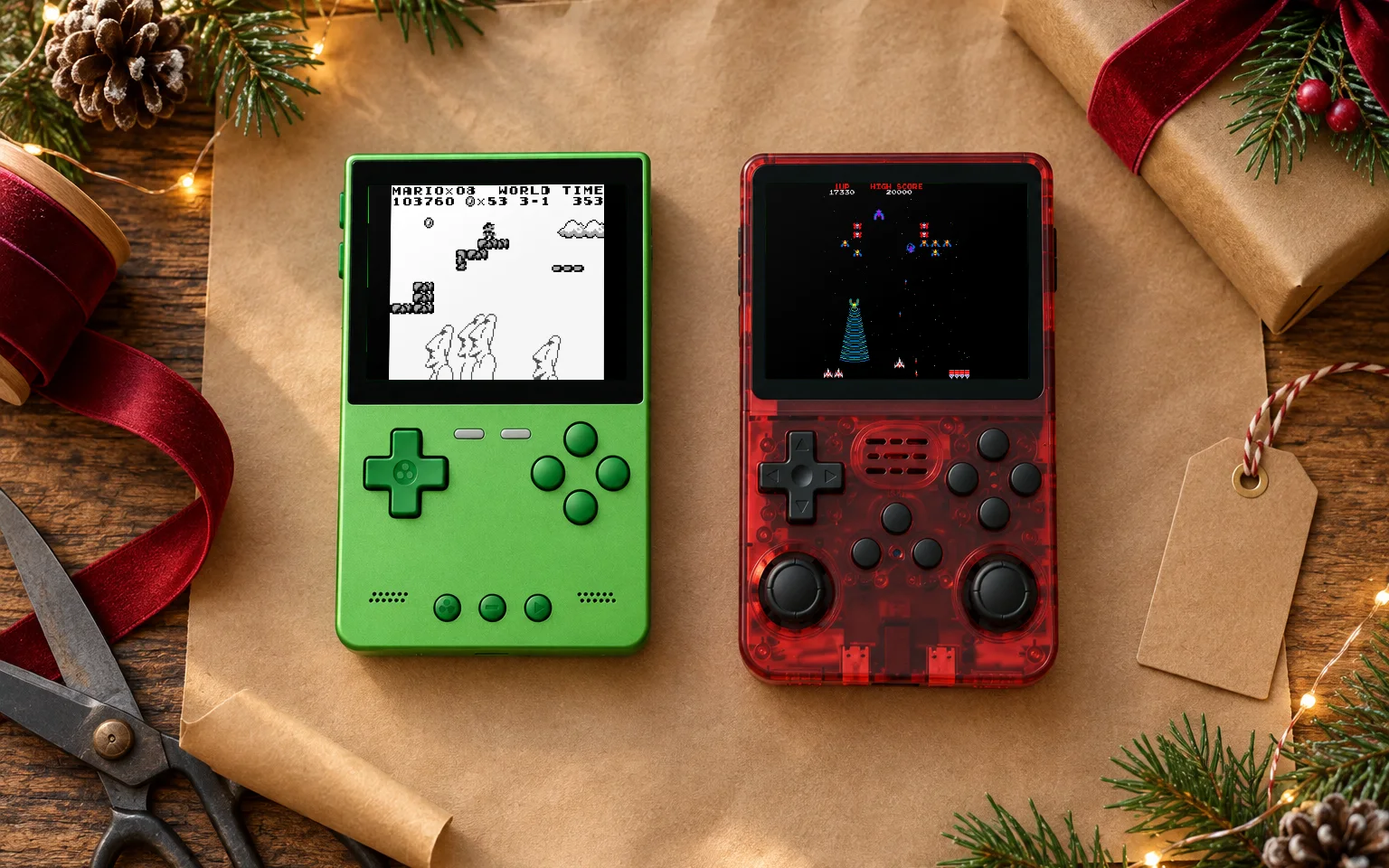
- For older children ready for their own handheld, the R36S. It is our least expensive handheld, and it comes in six colours, which helps when there is more than one in the house.
- For teenagers who want 3D games and a bigger screen, the R36MAX2 or the Trimui Brick Pro.
A few practical things
Memory cards are small and easy to lose, so keep spares away from very young children. Handhelds charge over USB-C, and a set charging place saves a search for a flat console. And make a backup of the memory card on the first day, which our memory card guide explains in a few steps.
For an evening with the whole family, our guide to hosting a two-player game night has more ideas.