The retro edit
Memory cards for retro consoles: sizes, backups and more room
The memory card is the least exciting part of a retro console and the part most likely to ruin a weekend if something goes wrong. This guide covers the storage each of our consoles has, how to protect it, how to choose a bigger card and what to know before you add games of your own.
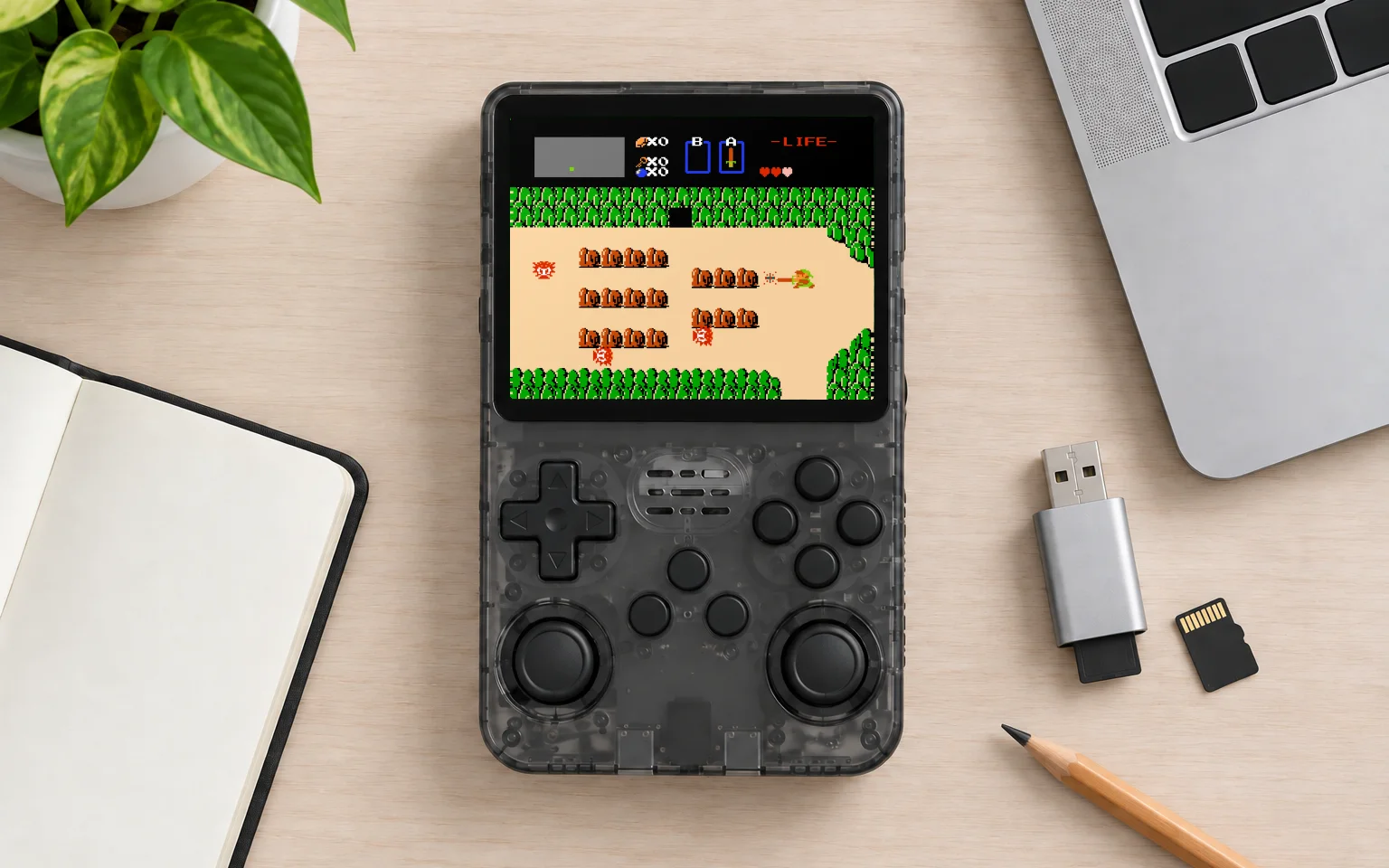
Before preparing a new card
Check the exact console model and hardware revision first. If the console starts from a memory card, a blank card needs the matching system image before it can boot. Use the manufacturer’s instructions and files for that model, not a package for a similarly named console. Check the product page for supplied accessories.
If you do not have the correct instructions, contact us with the model name before buying or formatting a card. Games are not supplied. Add only files you have the right to use.
What each console has
| Console | Storage in the console | Largest card |
|---|---|---|
| Game Stick Lite 4K | microSD slot, card not included | Not stated |
| X8 TV Game Stick | 64GB built in | Card slot for more |
| G99 4K TV Console | microSD slot, card not included | Separate system and game slots |
| R36S | microSD slot, card not included | 256GB |
| R36MAX2 | microSD slot, card not included | 256GB |
| Trimui Brick, Brick Pro, Smart Pro S | 8GB built in, plus a card slot | 1 TB |
| Trimui Brick Hammer | 8GB built in, plus a card slot | Not stated |
How much room do you need?
Less than you might think, depending on the era. 8-bit and 16-bit console games are tiny, from a few kilobytes to a few megabytes each, so thousands of them fit in a few gigabytes. Arcade games vary more, and games from later arcade boards can take tens of megabytes each.
Disc-based games are a different story. A PS1 game takes up to about 700 megabytes, the capacity of a CD. PSP games can reach well over a gigabyte. If your plans involve a lot of either, that is when a bigger card starts to matter.
Back up the card on day one
On some consoles the memory card carries the system as well as the games. The R36S starts from its card, and the G99 keeps its system on a card of its own. If one of those cards fails, the console will not start until the card is restored. The Trimui handhelds keep their system on built-in storage, so a failed card only takes the games with it.
Once you have a working system card, back it up before making changes. Use a disk-imaging tool to read the entire card into a backup file, and check carefully which device you have selected. Reading a backup and writing an image are different operations. Keep the original card intact until a replacement has been tested.
Do not format when Windows asks
This is the most common way people lose a working card. Some consoles use a Linux file format for part of the card, and Windows cannot read it. When you insert the card, Windows may say the disk needs to be formatted before it can be used. Click Cancel. The card is fine. Formatting it erases the system and the games.
Choosing a bigger card
- Stay within the largest size your console supports, listed in the table above and on each product page.
- Buy a known brand from a reputable seller. Fake cards that report more space than they have are common on marketplaces, and they fail when they fill up.
- Speed matters less than reliability. A card rated U1 or A1 is plenty for classic games.
Moving to a bigger card is easiest on consoles that keep the system on built-in storage, like the Trimui handhelds: copy your game folders across and insert the new card. On the X8, a card adds room alongside its built-in storage. On consoles that start from their card, write your backup image to the new card first. On the G99, games go on the game card, and the system card stays where it is.
Adding games
Consoles like these usually keep games in folders named after the system they belong to, but the details differ, so check the manual first. Copy a game into the right folder, put the card back and restart the console so it finds the new file.
Only add games you have the right to use. That includes homebrew, which means new games written for old systems, many of them free and very good. It can include copies of games you own, but the rules on personal backups differ from country to country, so check where you live.
Looking after it
Return to the menu before switching off, especially on consoles that start from their card. Cutting power during a save is the most common cause of a corrupted card. And keep your backup image up to date after you make big changes. For a walkthrough of which consoles handle bigger disc-based games, read which consoles play PS1 games.
Manufacturer files
For the original Brick TG3040, Trimui publishes an SD base package. Use Trimui’s model-specific repositories to identify the correct files for other devices. Brick, Brick Pro and Smart Pro S are different models. Check the release instructions before using any package.