The retro edit
Game Stick Lite 4K, X8 or G99: choosing a retro console for your TV
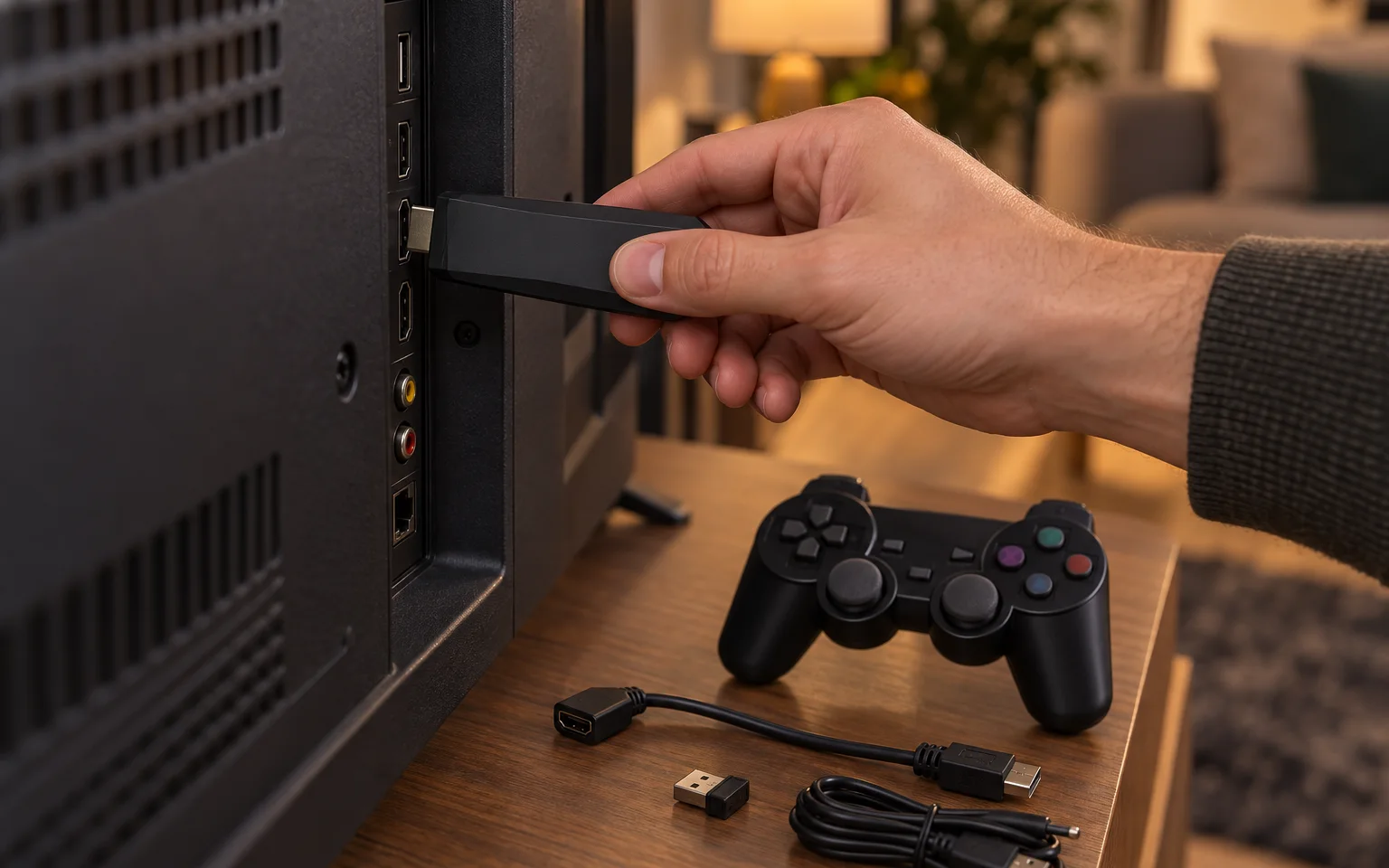
All three of our TV consoles do the same basic job. They plug into a spare HDMI port, come with two wireless controllers and put classic games on the biggest screen in the house. What separates them is how far forward in gaming history they reach, and what else they can do once they are plugged in.
The short answer
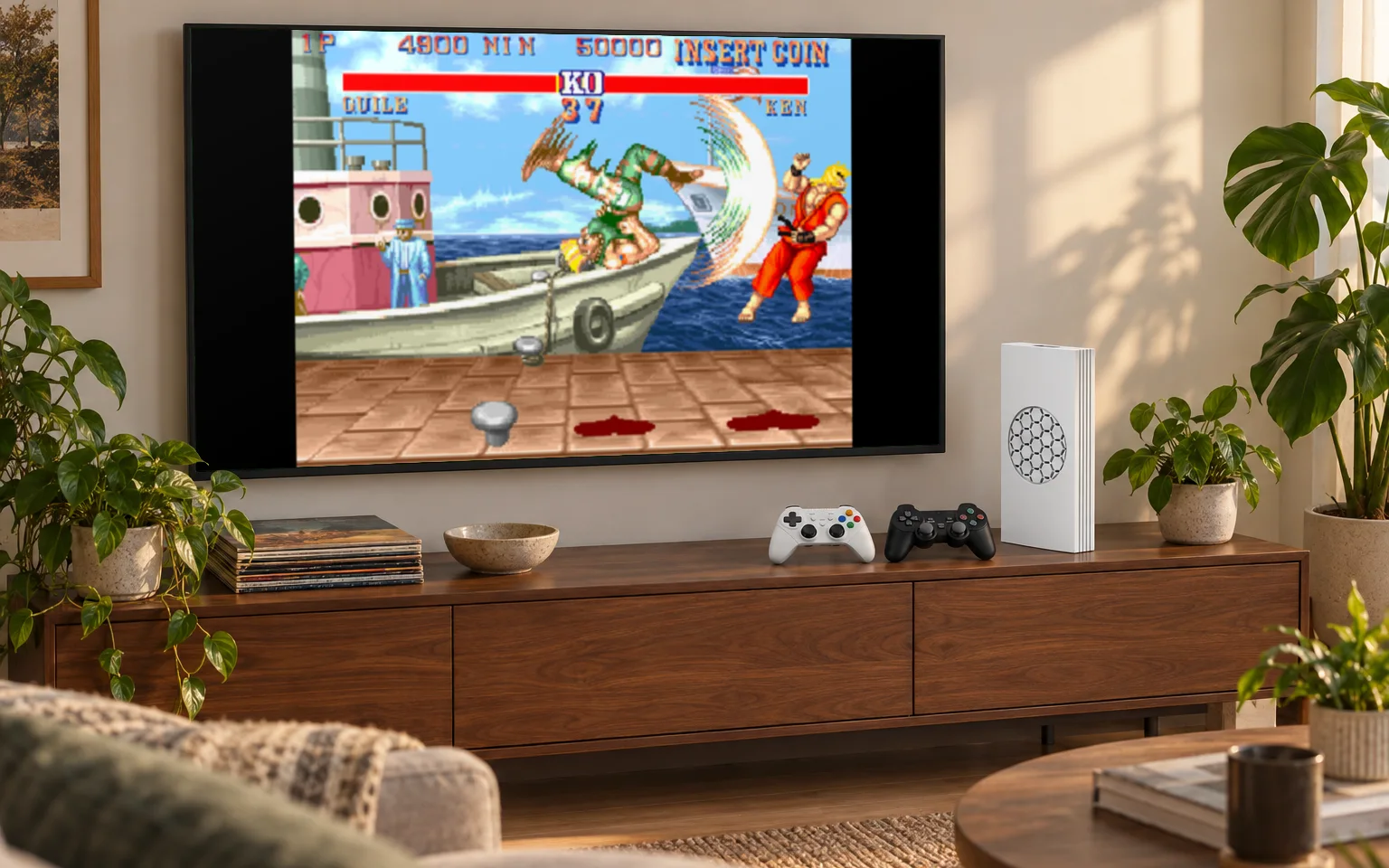
Buy the Game Stick Lite 4K for arcade, 8-bit and 16-bit games at the lowest price. Buy the X8 TV Game Stick if you also want PS1 games or Android apps. Buy the G99 4K TV Console if the games you care about come from the N64 and PSP years.
Side by side
| Game Stick Lite 4K | X8 TV Game Stick | G99 4K TV Console | |
|---|---|---|---|
| Plays best | Arcade, 8-bit, 16-bit | Up to PS1 | Up to N64 and PSP |
| Games storage | microSD slot, card not included | 64GB built in, plus a card slot | microSD slot, card not included |
| Also does | Nothing else, by design | Android 12 for apps and video | Separate slots for system and games |
| In the box | Two controllers, HDMI extension | Two controllers, remote, HDMI adapter | Two controllers, HDMI cable |
| Power | USB cable | USB cable | USB-C, 5 V 2 A |
Game Stick Lite 4K: the easy one
This is the stick for people who want to play, not configure. Plug it in, switch the TV to the right input, and the menu of games is waiting. There is no account to create and nothing to install. The stick suits the classic arcade, 8-bit and 16-bit era, which is what most people mean when they say retro: side-scrolling platformers, beat-em-ups, puzzle games and the arcade cabinets of the eighties and nineties.
What it is not built for is 3D. One of our buyers put it fairly in a review: very good for the price, a little short on PS1 games. If that era matters to you, look at the other two.
X8 TV Game Stick: games and apps
The X8 starts in one of two systems. EmuELEC opens straight into the library you load, PS1 among the systems it plays, and Android 12 runs apps and video over 5 GHz Wi-Fi. A remote control comes in the box alongside the two controllers, which makes the Android side comfortable to use from the sofa.
Its 64GB of built-in storage is free for the files you add, and a memory card slot adds room. It is the middle choice in price and in reach, and the one to pick if you want Android on the same stick as your games.
G99 4K TV Console: the capable one
The G99 is a small console rather than a stick. It sits on the TV cabinet, connects with the included HDMI cable and takes power over USB-C. Inside is an eight-core processor with Mali-G52 graphics, enough to emulate more than 35 systems from arcade boards up to PSP and N64.
The G99 separates the system card from the card used for your game files. Check its current product page for the supplied accessories. Choose compatible storage for your own files and follow the instructions for your exact model before changing either card.
What all three have in common
The picture goes out at up to 4K, which means the console scales its image to fill a modern TV cleanly. It does not turn a 1990 game into a 4K game. The originals were drawn at a few hundred pixels wide, and they still are. What you get is a sharp, correctly filled screen instead of a blurry stretched one.
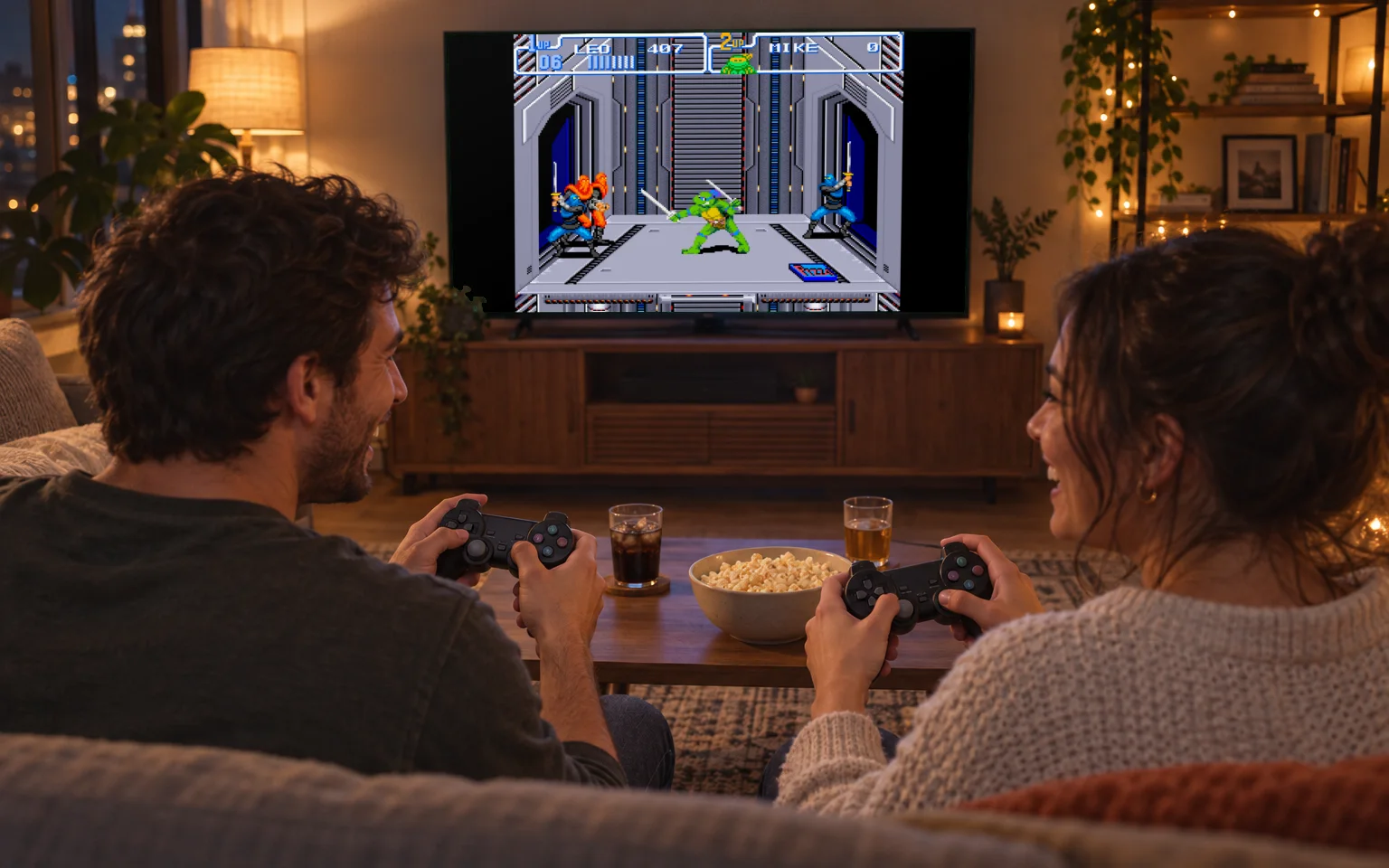
All three come with two wireless controllers that pair through a small USB receiver, so a second player can join without a cable across the living room floor. For tips on getting a game night going, read our guide to planning a two-player retro night.
Not sure the TV is the right place?
If the television is usually taken, a handheld might suit you better. Our guide to choosing a retro console covers all nine, and the comparison page puts any two side by side.