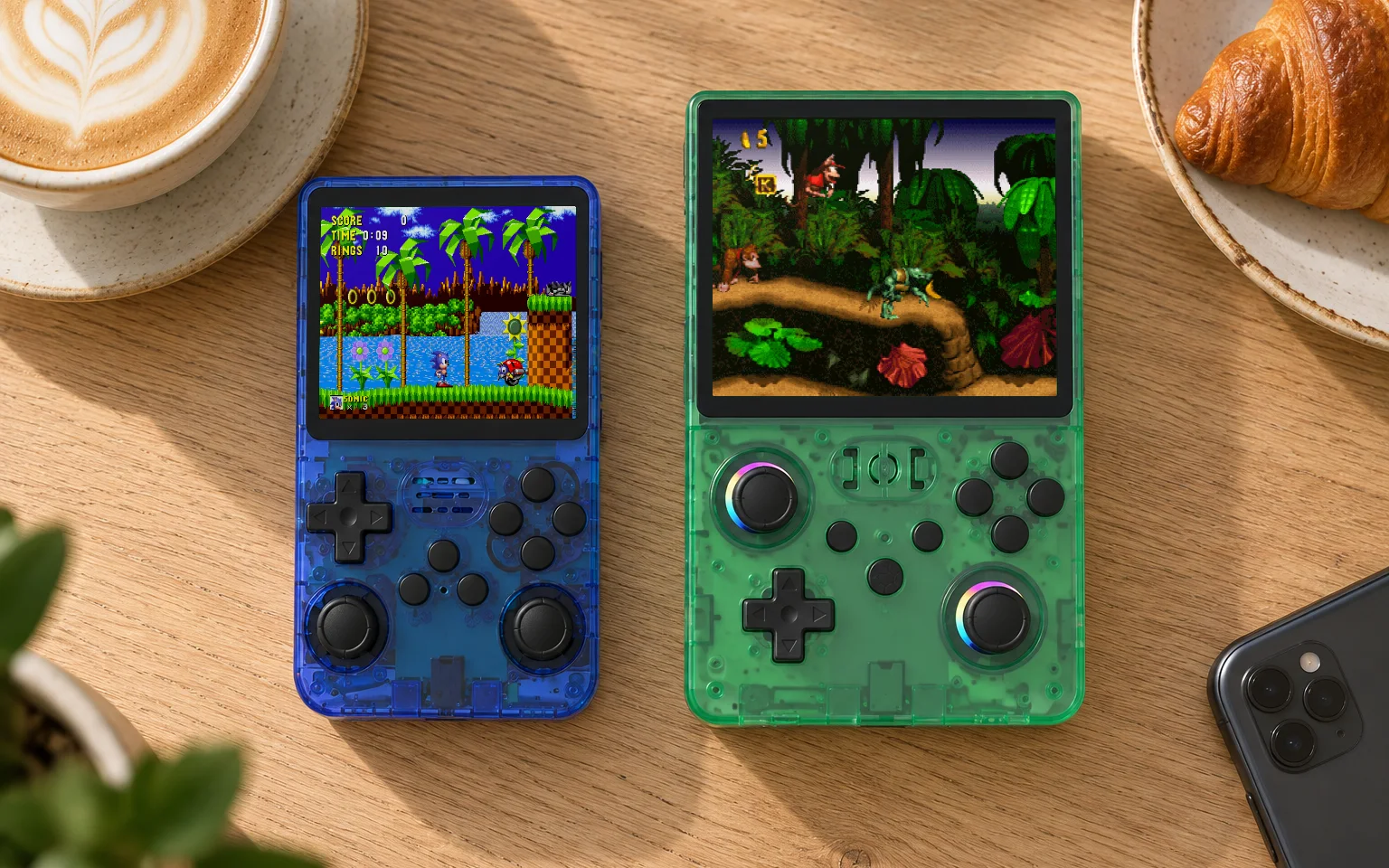
The retro edit
Which retro consoles play PS1 games?
The first PlayStation arrived in 1994 and changed what people expected from a console. Games moved from flat sprites into 3D worlds, and CDs made room for music, voice acting and long cutscenes. It is also the generation where the differences between retro consoles start to show, so it is worth knowing which of ours handle it well.
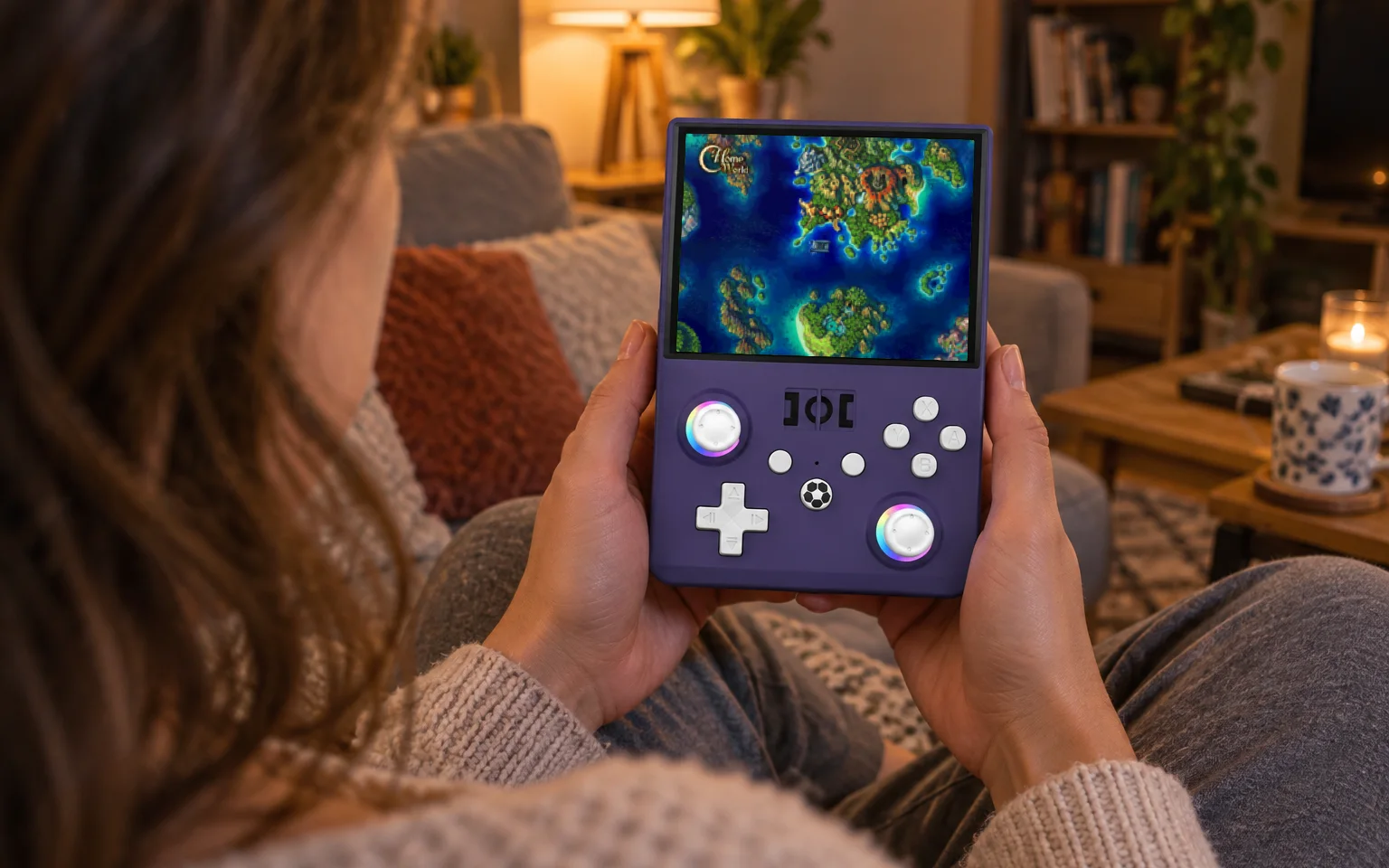
The short version: eight of our nine consoles play PS1 games well. The exception is the Game Stick Lite 4K, which is built for older systems and, in one buyer's words, falls a little short on PS1 games.
Console by console
| Console | PS1 | Beyond PS1 |
|---|---|---|
| Game Stick Lite 4K | Not its strength | No |
| X8 TV Game Stick | Yes | No |
| G99 4K TV Console | Yes | N64 and PSP |
| R36S | Yes | Lighter N64 and PSP games |
| R36MAX2 | Yes | Lighter N64 and PSP games |
| Trimui Brick and Brick Hammer | Yes, no sticks | Some |
| Trimui Brick Pro | Yes | Some |
| Trimui Smart Pro S | Yes | The most headroom of our handhelds |
On the TV
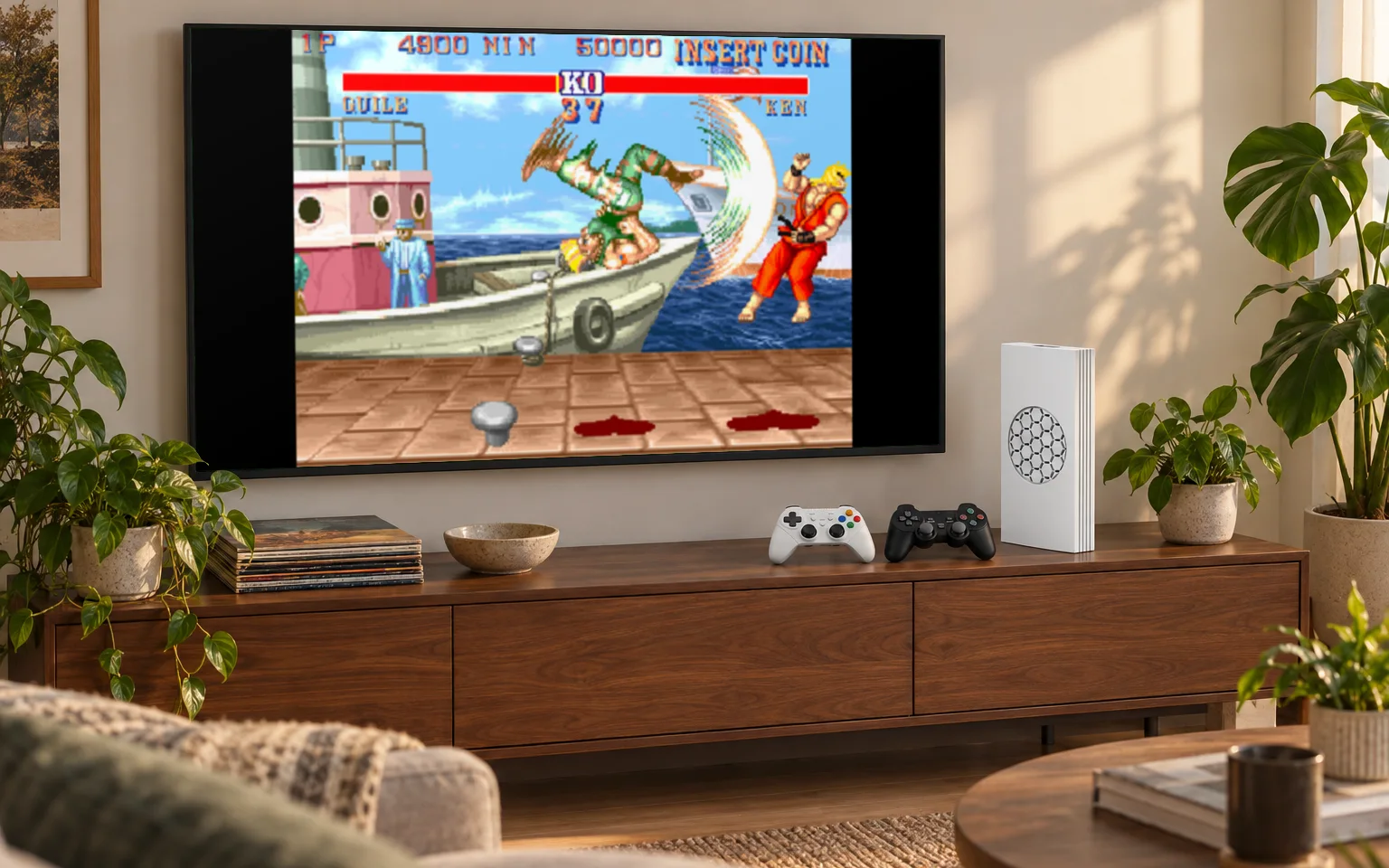
The X8 TV Game Stick is the least expensive of our TV consoles built for PS1 games. Its games system includes PS1 alongside arcade, 8-bit and 16-bit systems, and two wireless controllers come in the box.
The G99 4K TV Console goes further. Its eight-core processor and Mali-G52 graphics handle PS1 games with room to spare and reach up to N64 and PSP. If the late nineties are your era, this is the TV console to choose.
The Game Stick Lite 4K is excellent at what it is built for, which is the arcade, 8-bit and 16-bit years. One of our buyers summed up its PS1 performance as falling a little short, and we agree.
In your hands
The R36S and R36MAX2 share the same RK3326 processor. Both play PS1 games well and run lighter N64 and PSP games on top. The R36S has a neat advantage here: its 640×480 screen is exactly twice 320×240, a resolution many PS1 games used, so they scale up cleanly with no blur.
The four Trimui handhelds have more power. The Brick and Brick Hammer play PS1 games comfortably, though they have no analogue sticks, which matters for some games, as explained below. The Brick Pro adds two Hall-effect joysticks. The Smart Pro S, with an eight-core processor and Mali-G57 graphics, is the handheld with the most headroom for the N64 and PSP games that come after.
Do you need analogue sticks?
It depends on the game. The PS1 launched with a controller that had only a D-pad, and analogue sticks arrived partway through its life, in 1997. Earlier games and most 2D games play perfectly with a D-pad. Many later 3D games, particularly racing and adventure games, were designed with a stick in mind and play better with one.
If most of your PS1 favourites are from the second half of the console's life, choose a console with sticks: the R36S, R36MAX2, Brick Pro or Smart Pro S in your hands, or the G99 on the TV, whose controllers have them.
Storage
Disc-based games need more storage than most cartridge games, and multi-disc titles need room for every disc. Choose a compatible card for your own files rather than assuming a library is supplied. Our guide to memory cards explains preparation, backups and expansion.
Which one would we choose?
For PS1 on the TV, the X8 if budget matters and the G99 if you want the N64 and PSP years too. In your hands, the R36S for the price and the Brick Pro or Smart Pro S if you want the best controls and screen. The comparison page puts any two side by side.